
All Video Downloader & Player
QR Code Scanner.Tools
4.530.88K Reviews
- Version
- 1.9.9
- Installs
- 100.00M
- Age Rating
- Everyone
Screenshots
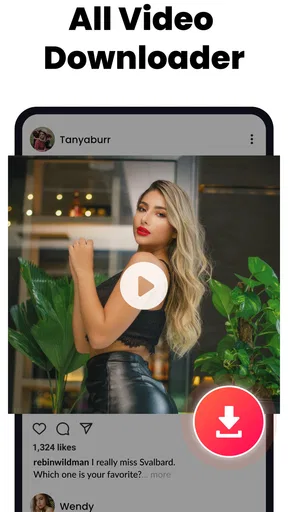
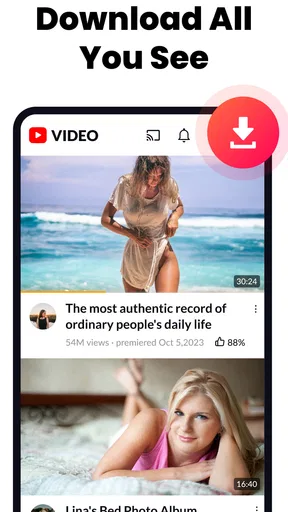
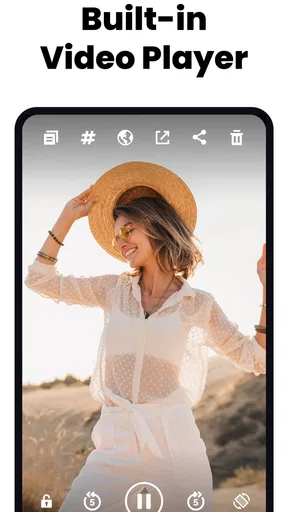
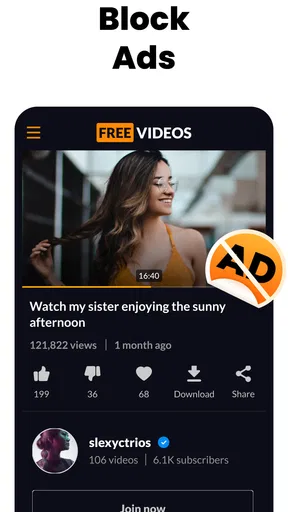
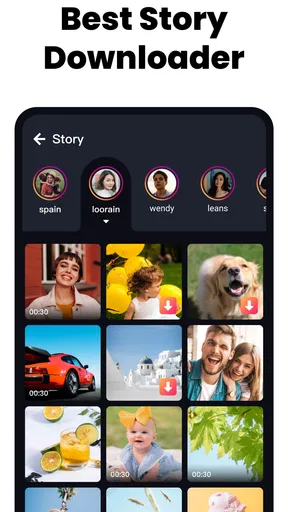
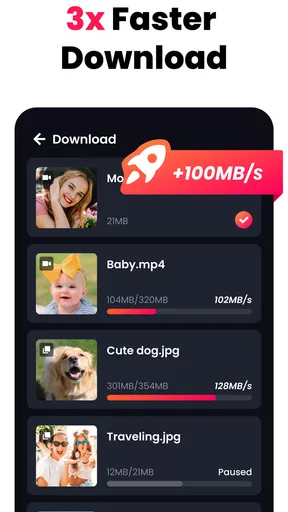
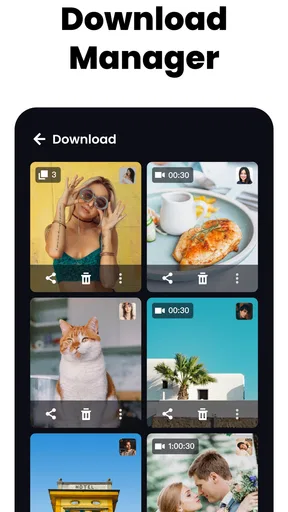
Our Review of All Video Downloader & Player
 Analysis by Appyee
I keep running into the same small annoyance with video: something I want to watch later is scattered across a browser tab, a file folder, and a player that may or may not understand the format. All Video Downloader & Player is designed to bring downloading and playback together, and that combination is what I find useful. Rather than switching between separate tools, I can save a video and return to it in one place. The payoff is less about a flashy feature and more about removing a few repeated steps from an ordinary day.
Where a single video tool saves time
This is a tools app from QR Code Scanner, and its focus is practical: getting video onto a device and playing it back. I would consider it when I regularly save clips for later, keep a small offline collection, or need a player that can handle different file formats. It is less compelling if I only stream occasionally and already have a dependable player and a good way to access the content I watch.
The distinction matters because a downloader cannot make every video available for saving. A site may restrict downloads, and access can vary from one source to another. I treat the app as a convenient option for compatible material, not as a promise that every online video can be kept. It is also sensible to save only content I have permission to download; convenience does not change the rights attached to a video.
A sensible first run
My first practical step would be to try one short, clearly permitted video before building a large offline library. That gives me a chance to see how the app handles the source, where the saved file appears, and whether the chosen quality is suitable. If I know I will watch on a small phone screen, a lower resolution may be a better trade-off than using extra storage for detail I will barely notice.
That small test also helps set expectations about reliability. A failed or unavailable download may be due to the source rather than the player, while a file that saves successfully but will not play points to a different problem. Separating those two steps makes troubleshooting less frustrating: first check whether the file was saved, then check playback and the file’s format.
Fits into an everyday routine
Picture a commute where mobile reception is unreliable. I can prepare a permitted video at home, choose a size that suits the space I have, and watch the saved copy later without relying on a steady connection. The useful part is the planning: downloading ahead of time turns a video I might otherwise abandon halfway through into something available when I actually have a quiet moment.
It can also help with a personal collection of clips shared with permission, or with videos I need to revisit while travelling. Background downloading is particularly handy when I want to keep using the phone instead of staring at a progress screen. I would still avoid starting a long download when I need the device for something urgent; any download can take longer or fail if its source or connection is uncooperative.
How it compares with separate apps
The usual alternative is to stream in the original service and use a separate player for files already on the device. That can be the better choice when I care most about the service’s own browsing, recommendations, or account features. This app’s advantage is the combined workflow: it aims to handle saving and playback without making me move between different video utilities.
A dedicated player may offer a more focused library experience, while a browser is often simpler when I only need to watch something once. I would not replace either automatically. I would choose this app when downloading and playing local videos are recurring tasks; I would stick with streaming or a familiar player if offline copies are rare or if the source does not permit saving.
What to check before relying on it
Before setting off, I would confirm that a download has finished and that the video opens in the built-in player. I would also make storage a deliberate choice: keeping several large files can crowd a phone, so removing videos once I no longer need them is a useful habit. If a source offers several quality options, the highest setting is not automatically the best one for a short clip or a small screen.
There is a similar trade-off with a combined app. Having the downloader and player together cuts app switching, but a single tool may not suit someone who wants fine-grained control over a media library or relies on a particular specialist player. I would test the formats and sources I actually use before making it my default. That is more useful than assuming a broad compatibility claim means every individual site and file will work perfectly.
The app is free, has an Everyone age rating, and is available for devices running Android 6.0 or later. Its current version is 1.8.9. It has a 4.5 average from around 1.7 million ratings and more than 100 million installs, which suggests it has reached a large audience, though popularity alone cannot guarantee a smooth experience on every phone or with every source.
My practical answer to “Will it work for every website?” is no downloader should be treated as universal; source restrictions and changes can affect what is possible. “Can I watch without a connection?” is more straightforward: a successfully saved local file is the useful option for offline viewing. For someone deciding whether to install it, the key question is whether saving videos is a regular need rather than an occasional curiosity.
Putting the workflow to work
Hey there, app explorers! I've just spent some quality time with All Video Downloader & Player, and I’m here to spill the details. This app promises to be your go-to solution for downloading and playing videos from a bunch of different platforms. But does it deliver the goods? Let’s dive in and find out together.
First Impressions
So, the first thing I noticed when firing up the app was its clean and intuitive interface. It’s got that minimalist vibe, which I really appreciate—no one wants to waste time fumbling around with complicated menus, right? You’ve got your main functions laid out clearly, making it super easy to start downloading your favorite videos.
Downloading Videos Made Easy
Now, let’s talk about the main feature: downloading videos. This app supports a ton of platforms, so you're pretty much covered no matter where you want to grab content from. I tried it with a few popular sites, and it worked like a charm. The download speeds were respectable, and the quality of the videos stayed top-notch. You can also choose different resolutions, which is a nice touch if you’re mindful of storage space.
The Built-in Video Player
Once you’ve got your videos downloaded, playing them is a breeze. The built-in player supports all major formats, which means you won’t have to deal with annoying compatibility issues. The playback is smooth, and it even supports subtitles, which is a lifesaver for those late-night binge sessions. Plus, you can create playlists, so your video collection is always ready for action.
User Experience
In terms of user experience, I found the app to be pretty straightforward. Navigation is smooth, and the lack of intrusive ads is a huge plus in my book. There’s nothing more frustrating than being bombarded with pop-ups when you’re just trying to download a cat video, am I right?
Extra Features Worth Mentioning
There are a few extra features that really stood out to me. Firstly, the app allows background downloading, so you can multitask while it does its thing. Secondly, the app’s privacy features are solid. You can set a passcode to lock the app, ensuring that your downloaded videos remain your business only.
One more thing—I was impressed by the app’s ability to convert video files into audio files. This is perfect if you want to save space or just listen to the audio while on the go. It’s little touches like this that make an app stand out.
Room for Improvement?
Of course, no app is perfect. While the app shines in many areas, there are a couple of places where it could improve. For instance, while the design is generally user-friendly, the settings menu could be a bit more organized. Also, while it supports many platforms, there are still a few niche sites that it doesn’t cover.
Another thing to keep in mind is that, like with any downloader app, it’s essential to respect copyright laws and use the app responsibly. The app does remind you of this, but it's worth mentioning again.
Final Thoughts
Overall, I’d say the app is a solid choice if you’re looking for a reliable way to download and play videos from various platforms. It’s easy to use, offers a range of features, and doesn’t bombard you with ads. While there’s room for a few tweaks here and there, it’s definitely worth a try.
So, if you’re in the market for a versatile video downloader and player, give it a whirl. Who knows, it might just become your new favorite app!
Privacy and Permissions
See what permissions an app requests and how it handles your data.
- Photos/Media/Files
- read the contents of your USB storage, modify or delete the contents of your USB storage
- Storage
- read the contents of your USB storage, modify or delete the contents of your USB storage
- Other
- view network connections, full network access, control vibration, prevent device from sleeping, Google Play license check
Verdict
Strengths of All Video Downloader & Player
- Supports multiple formats seamlessly.
- Fast download speed for large files.
- Built-in player for offline viewing.
- User-friendly interface design.
- Allows background downloading.
Limitations of All Video Downloader & Player
- Contains ads that can be intrusive.
- Limited features in free version.
- Occasional bugs in playback.
- No direct YouTube downloads.
- Requires storage permissions.
Other Releases by QR Code Scanner.
View All
QR Code Scanner & Scanner App
Tools4.7

Document Reader & PDF Editor
Productivity4.5

PDF Reader - PDF Viewer
Productivity4.3

Ringtones for Android Phone
Music & Audio4.8
Similar Picks in This Category
View All
Google LLC4.0

Gboard - the Google Keyboard
Google LLC4.5

Google Play services
Google LLC4.3

Google Play Store
Google LLC4.9

Files by Google
Google LLC4.5

SHAREit: Transfer, Share Files
Smart Media4U Technology Pte.Ltd.4.3
Frequently Asked Questions
What video formats does All Video Downloader & Player support?
All Video Downloader & Player supports a wide range of video formats, including MP4, AVI, MKV, and FLV. This ensures seamless playback and downloading of videos from various platforms without the need for additional software or converters. Users can enjoy their favorite content in the format that best suits their needs.
Is it safe to download videos using this app?
Yes, All Video Downloader & Player is designed to provide a secure environment for downloading videos. The app adheres to strict security protocols to protect your data and privacy. However, users should always ensure they have the right to download content and avoid infringing on copyrights.
Can I download videos from all websites using this app?
While All Video Downloader & Player supports many popular video hosting sites, it may not work with all websites due to legal and technical restrictions. Users should verify the app's compatibility with their preferred sites and respect any terms of use or copyright laws associated with the content.
Does the app support background downloading and playback?
Yes, the app features background downloading and playback, allowing users to continue using their device for other tasks while videos download or play. This multitasking capability enhances user experience by providing convenience and flexibility, especially when managing large files.
Are there any in-app purchases or subscriptions required?
All Video Downloader & Player offers a free version with essential features. However, there may be optional in-app purchases or subscriptions for advanced features, such as ad-free experience, faster download speeds, or additional format support. Users can choose based on their needs and budget.
